

Logitech G Astro A50 Multi-Platform Wireless Gaming Headset + Base Station for PS5/Xbox/PC: PLAYSYNC Audio Switcher,
Original price was: $299.99.$259.99Current price is: $259.99.

OLEVS Men Watches Business Dress Chronograph Big Square Quartz Analog Male Watch Silicone Strap Waterproof Date Gift Mens Wrsit Watch Silver
Original price was: $368.00.$53.77Current price is: $53.77.
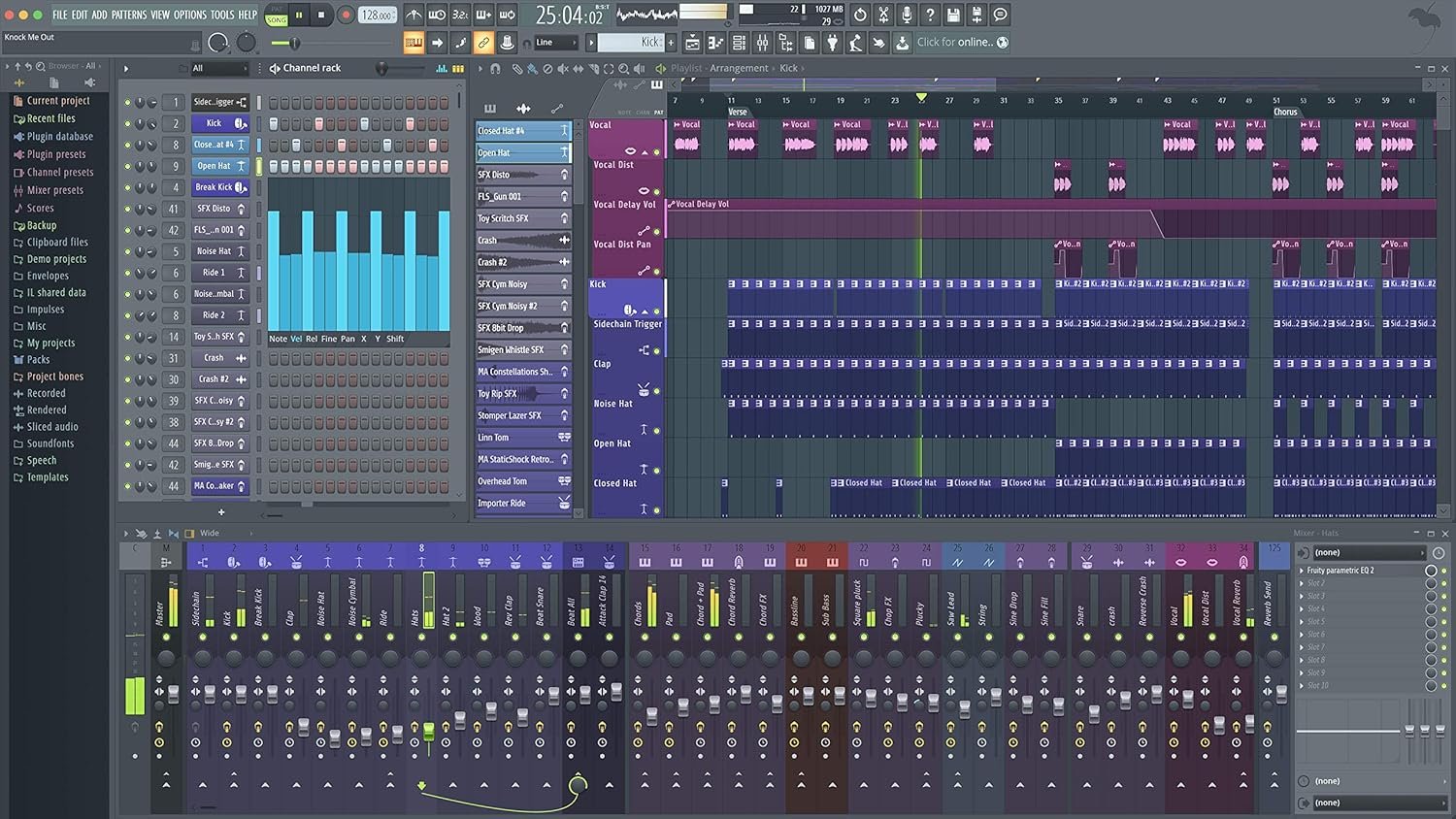
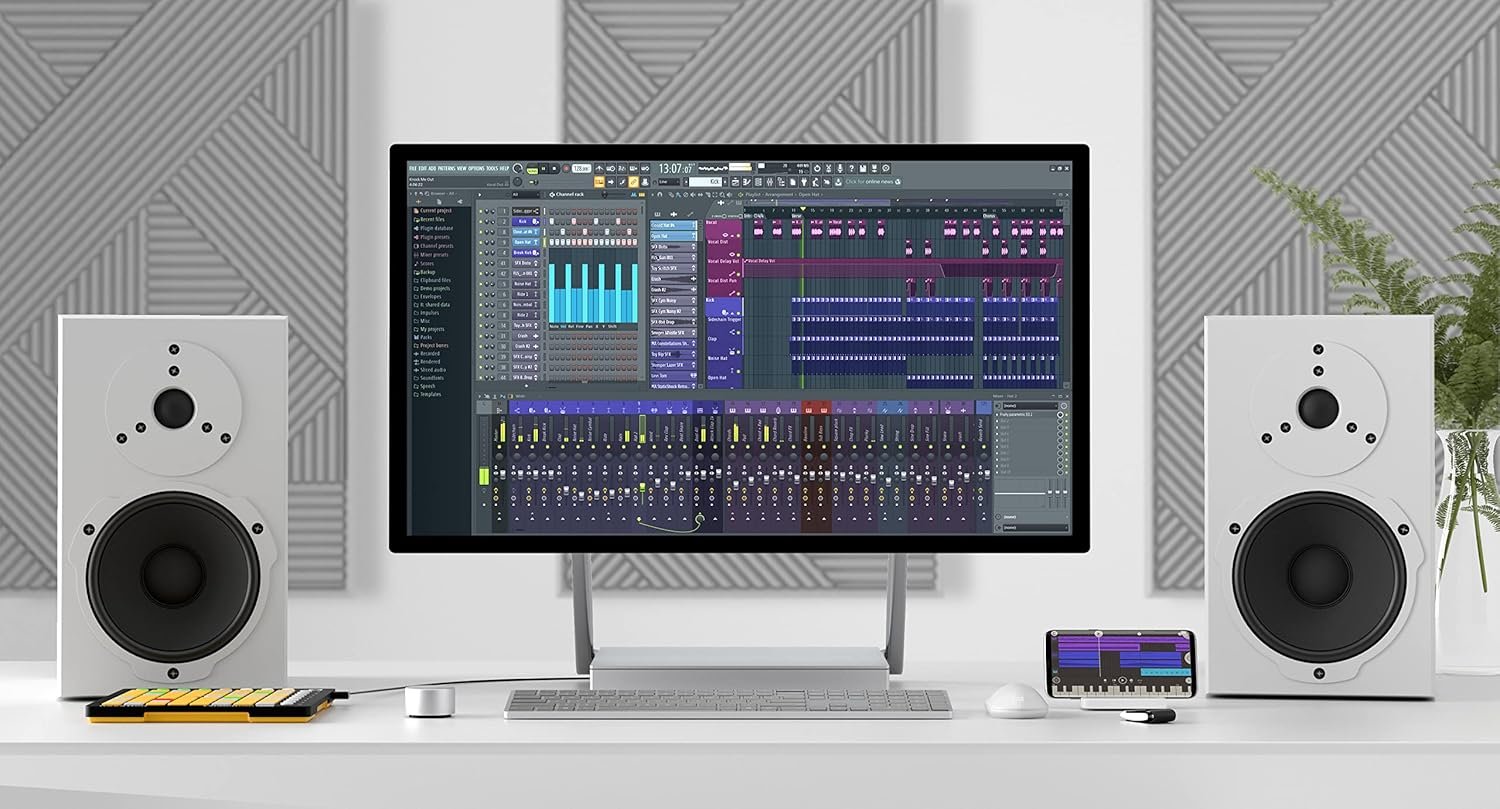
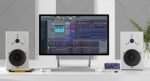
 Overview
| Item Weight |
8.8 ounces |
|---|---|
| Product Dimensions |
9.1 x 9.1 x 9.1 inches |
| ASIN |
B07C895FTM |
| Item model number |
5391502517901 |
| Is Discontinued By Manufacturer |
No |
| Date First Available |
April 17, 2018 |
| Color Name |
Black |
| Compatible Devices |
PC, Laptop, FL Studio |
| Connector Type |
/ |
| Hardware Interface |
USB |
| Supported Software |
FL Studio |
| Instrument Key |
Any |
| Media Format |
Download |
| Hardware Platform |
PC |
| Operating System |
Windows 7, 8, 10 or Later MAC OS 10.11 or Later |
Related Products
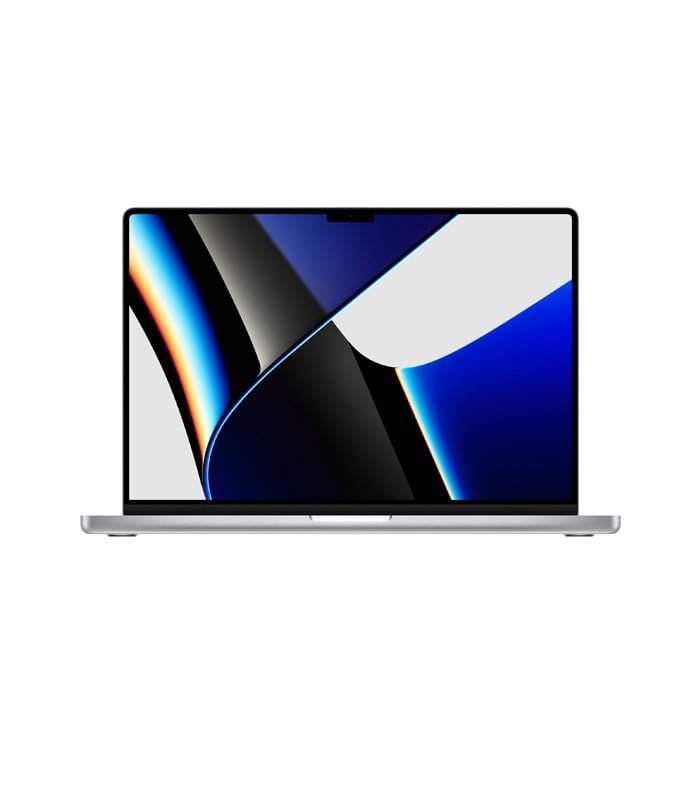
Apple MacBook Pro 16″ M1 Pro
Out of stock
$2,999.00
Silver
Space Gray
Select options
This product has multiple variants. The options may be chosen on the product page
SKU:
30876
Kindle Customer –
Good software
Good software
Kindle Customer –
Awesome
I purchased this my son Christmas whose into music production and he is Loving this software, it allows him to make different beats and is well worth the price
Alex N –
LOOK AT THE SELLER YOU’RE BUYING FROM FIRST
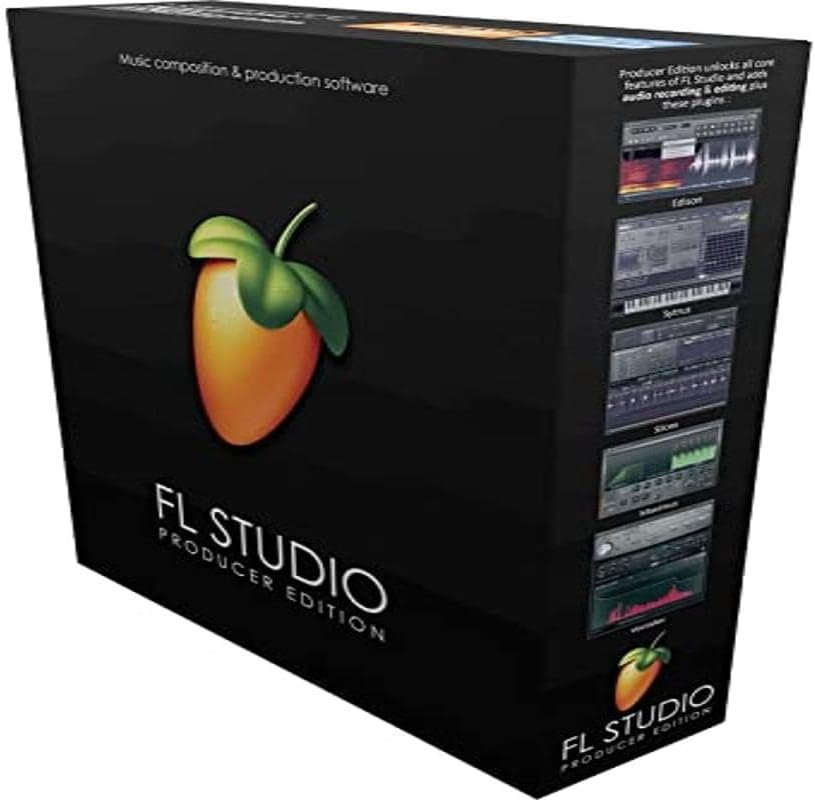
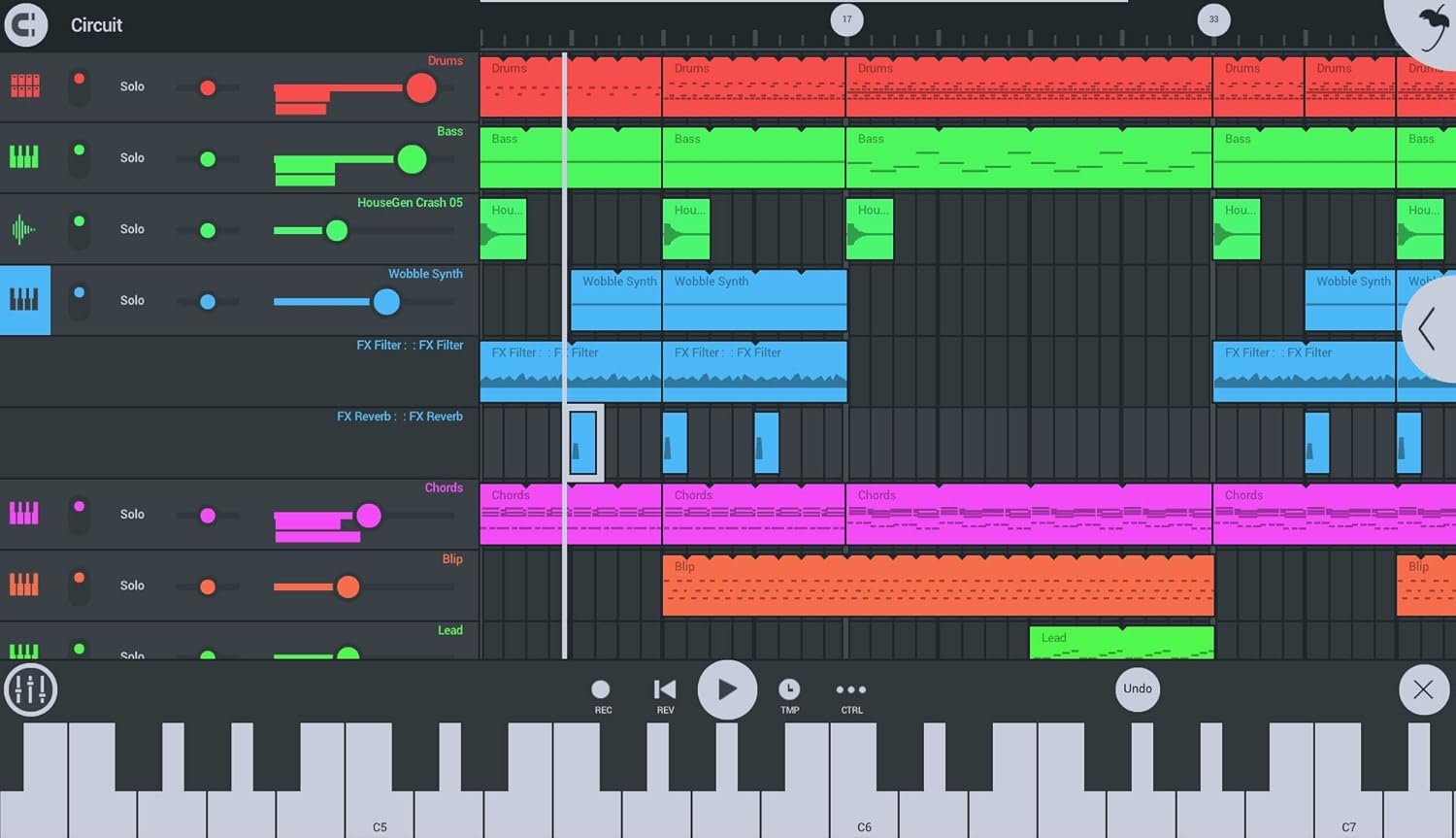
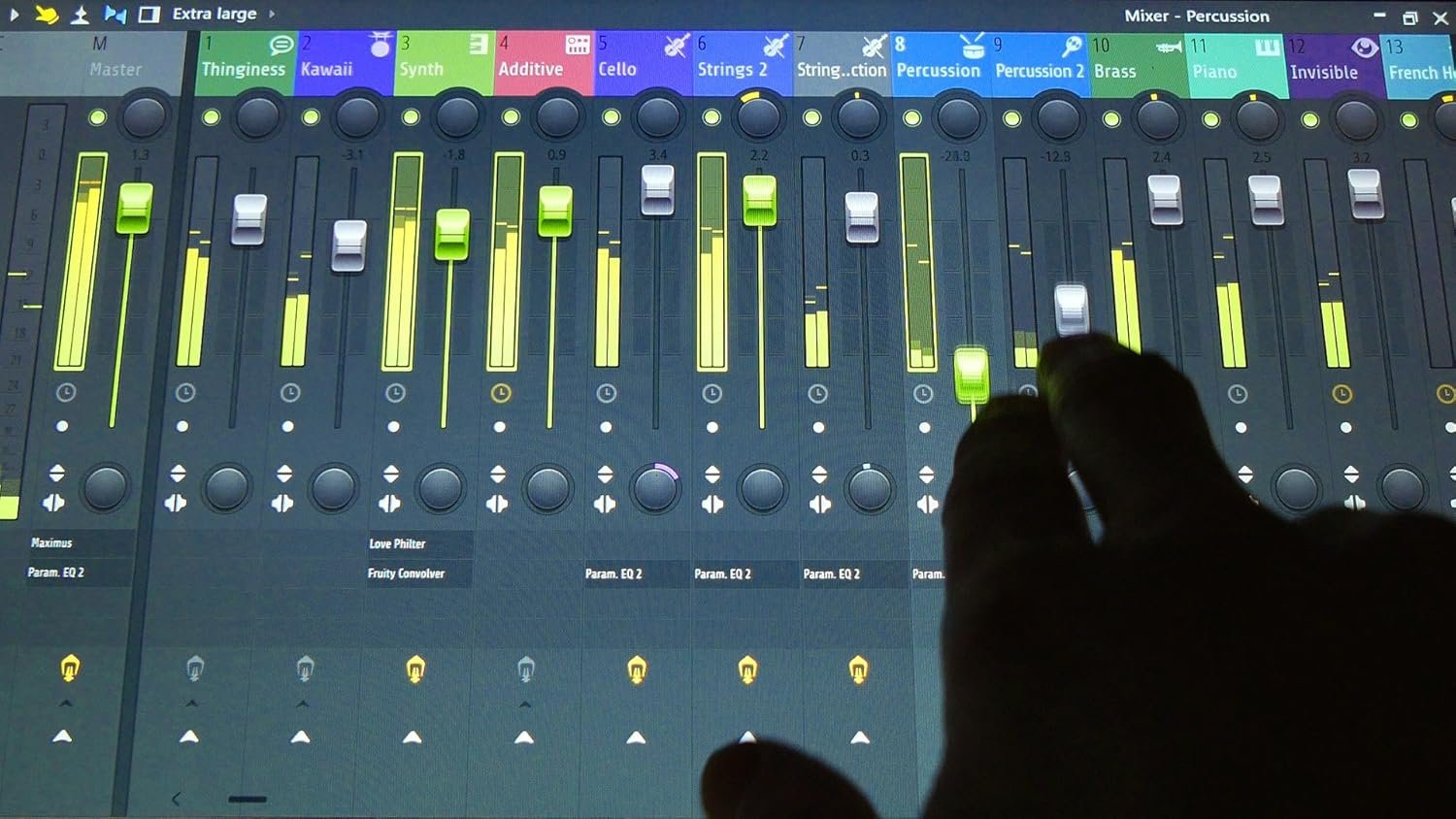
First off, this software is *the* version to get if you’re looking to buy FL Studio. As a total beginner, I used the free trial edition which gave me a chance to use every plug-in available, but with some limitations of course, including a lack of being able to open what you save. The interface to me is the easiest to work with, but this is a complex program that doesn’t come with tutorials out of the box, so YouTube and many other websites will be needed in order to use this to its full potential.FL Studio is what you make of it, you get out what you put in. As much as I want to just pick it up and go, there’s a bit more that goes into it than just that if you want to make music.As for the title of my review, I had seen this on sale for $150 instead of the usual $200, which is extremely rare as FL never goes on sale unless it’s black Friday. Long story short, the seller that had put it up for that much ended up sending me a calculator which I’ve attached a picture of, with a poorly and improperly written note saying to contact them for a download or usb. They had already contacted me the day of buying, and in the end they sent me a link to download a pirated copy of this software. Luckily I got my money back, and the second time I tried buying, the page defaulted to a brand new seller with no reviews. This type of thing has never happened to me and I’ve never bought software off of Amazon so please, PAY ATTENTION TO THE SELLER YOU ARE BUYING FROM, AND BUY FROM A MORE TRUSTED SELLER.I bought my copy from AudioDeluxe and had no issue what so ever. They sent me an FL Studio Producer Edition box which contained a quick start guide that had a serial number on the front. Throw that into your account on Image Line, and it’s as easy as that.FL Studio Producer Edition gives you enough tools to get your foot in the door, the rest is on the user. I’ve saved a few projects in the Trial Version and was able to open them no problem, however opening a project that uses a plug in that’s used in the more expensive versions will end up erasing the sounds from those plug-ins if you’ve placed them in there. I haven’t tried to use them yet, but there are hundreds of other plug-ins, both free and paid, that you can download, you’re not just limited to FL. Producer Edition also has more useful features in it compared to the $99 Fruity edition, automation clips I think are not able to be used in that.Please do your own personal research before buying this or any other DAW, it’s not for everyone, and none of them are that easy to pick up.
random spaz 219 –
The code worked, but I have a few complaints
Update: I am starting to like FL studio more. Even though I find him a bit harder to follow then some others, i recommend “jaycactus” on youtube for learning how to use the program. I found a way to delete every trial on FL studio which also helped me personally. Spending an hour or two learning to make music just to hear… “oh yea you can’t really use that without paying a couple more hundred” over and over gets really frustrating.Previously:The greed in the music industry is such a spirit killer. I’m still in the stage of just trying to learn and I keep running into a wall of industries being needy, like beggars “pay more money please”. I specifically spent the money on the program hoping to avoid pay walls.There are “trial instruments” included and others that I wrongly thought were free to use, that I have downloaded, and you are not actually allowed to use them without paying to unlock them.So it’s down two stars for FL studioI would rather trial versions were not installed with the program.On the positive sideThere are great plug ins that you can actually use that are included,… but I’m learning to read the top of every instrument to make sure it doesn’t say “trial version”.The code worked out of the box, and FL studio offers lifetime updates. Lifetime updates is why i went with FL studio over others.The program is a bit of a learning process but not too bad. I just keep getting hit with the “you don’t actually get to use this” hammer, “without paying the fee”.FL studios is still one of the more affordable options out there.