In-Depth Review
I recently picked up the Alienware AW3423DWF Curved QD-OLED monitor, and I gotta say, it’s been quite the experience. As a guy in my mid-30s who spends countless hours gaming and working from home, I was on the hunt for something that would not just elevate my gaming but also serve well for everyday tasks. So, after doing some research, I settled on this beauty—and here’s my honest take.
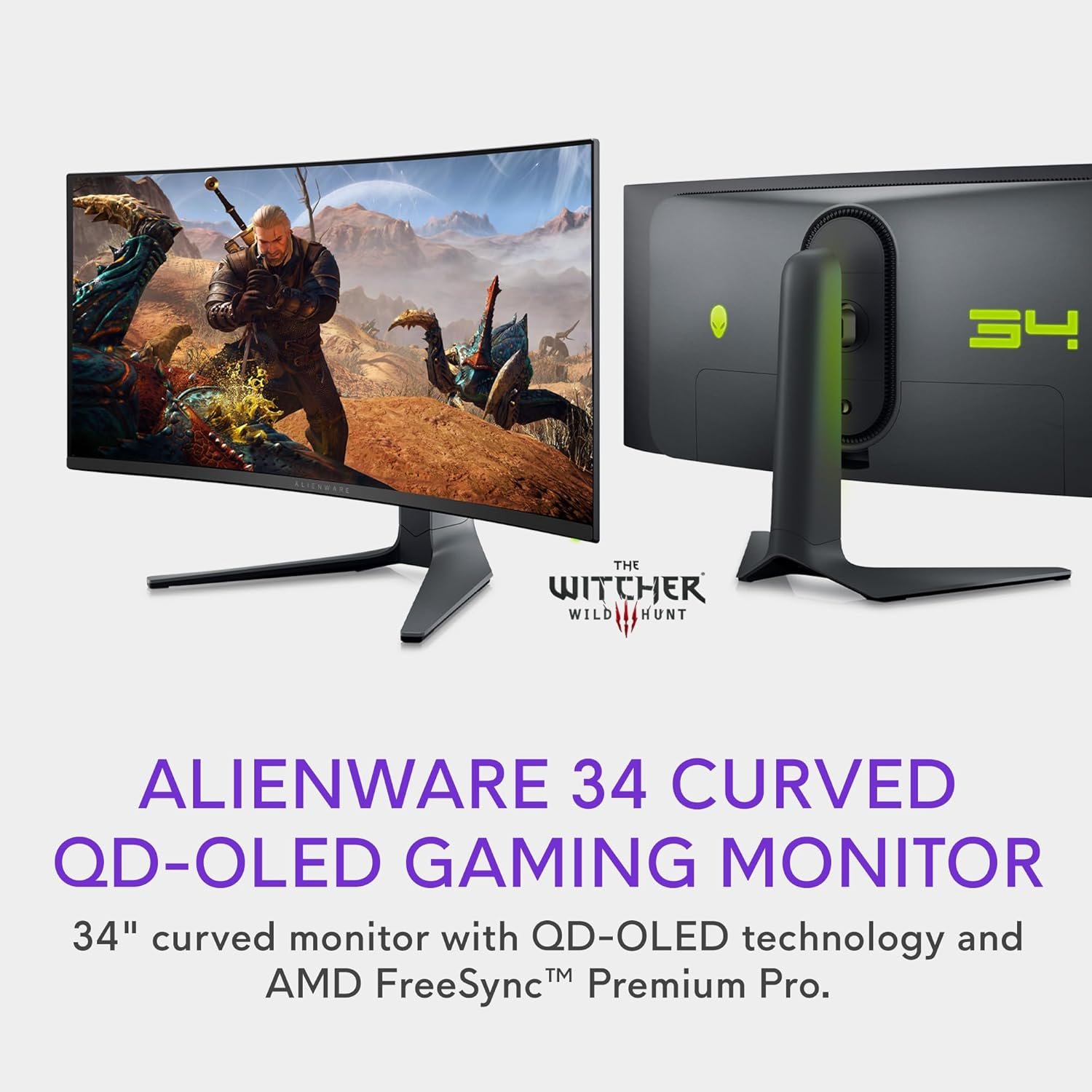
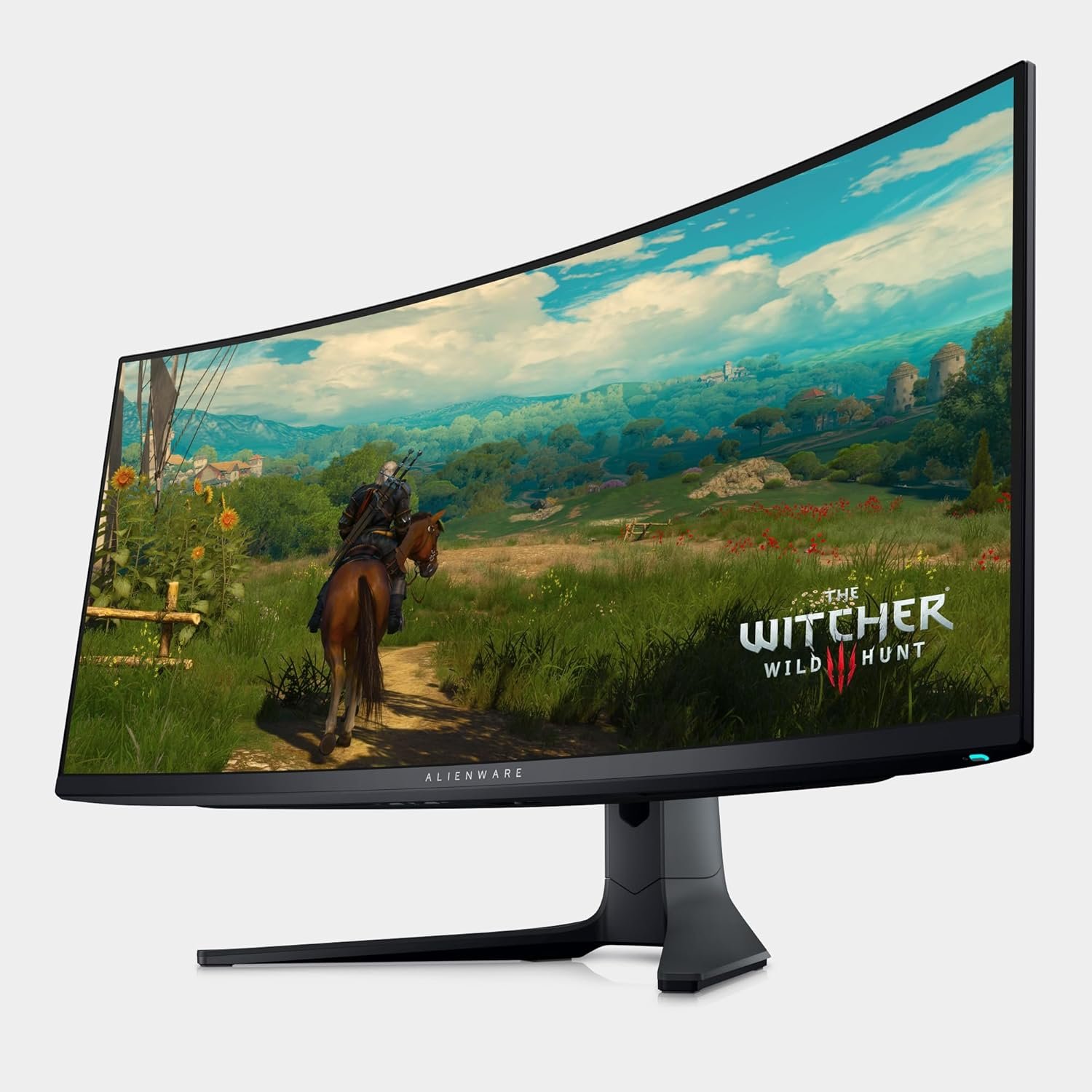
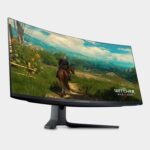
My first impression leaving the box was how hefty the monitor felt—it’s definitely not lightweight, but that just added to the premium vibe. The design is sleek, and the curved display is more pronounced than I expected, but it’s a pleasant surprise. Initially, I worried about how it would fit into my setup, but once it was in place, it was almost like it belonged.
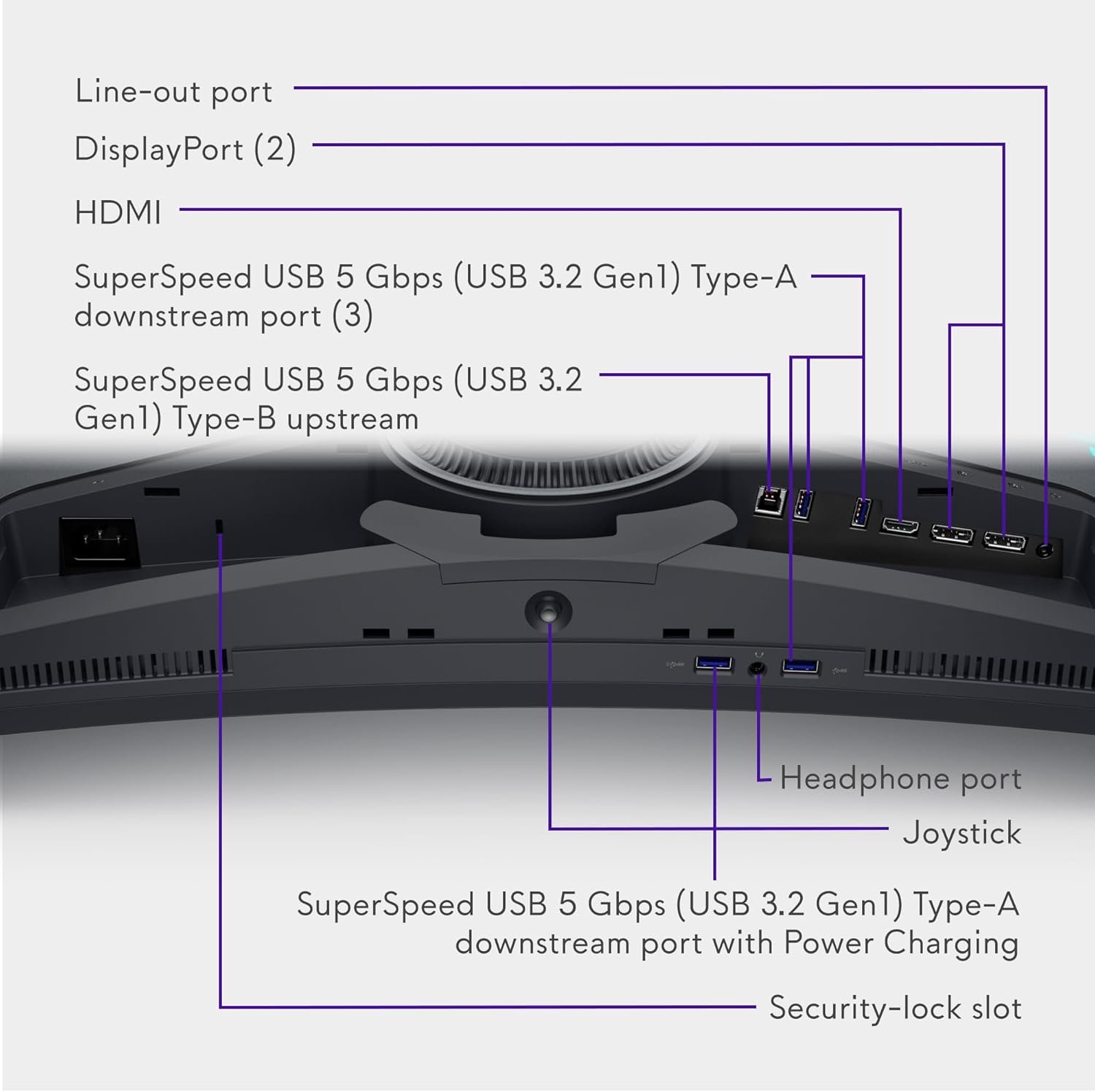
The build quality is solid; the materials used feel durable, and the design doesn’t scream “gamer” too loud, which I appreciated. I opted to use some cable management solutions to keep things tidy, but the connections are straightforward—plenty of USB ports and a solid display connection. The stand is sturdy as well, allowing easy adjustments for height and tilt.
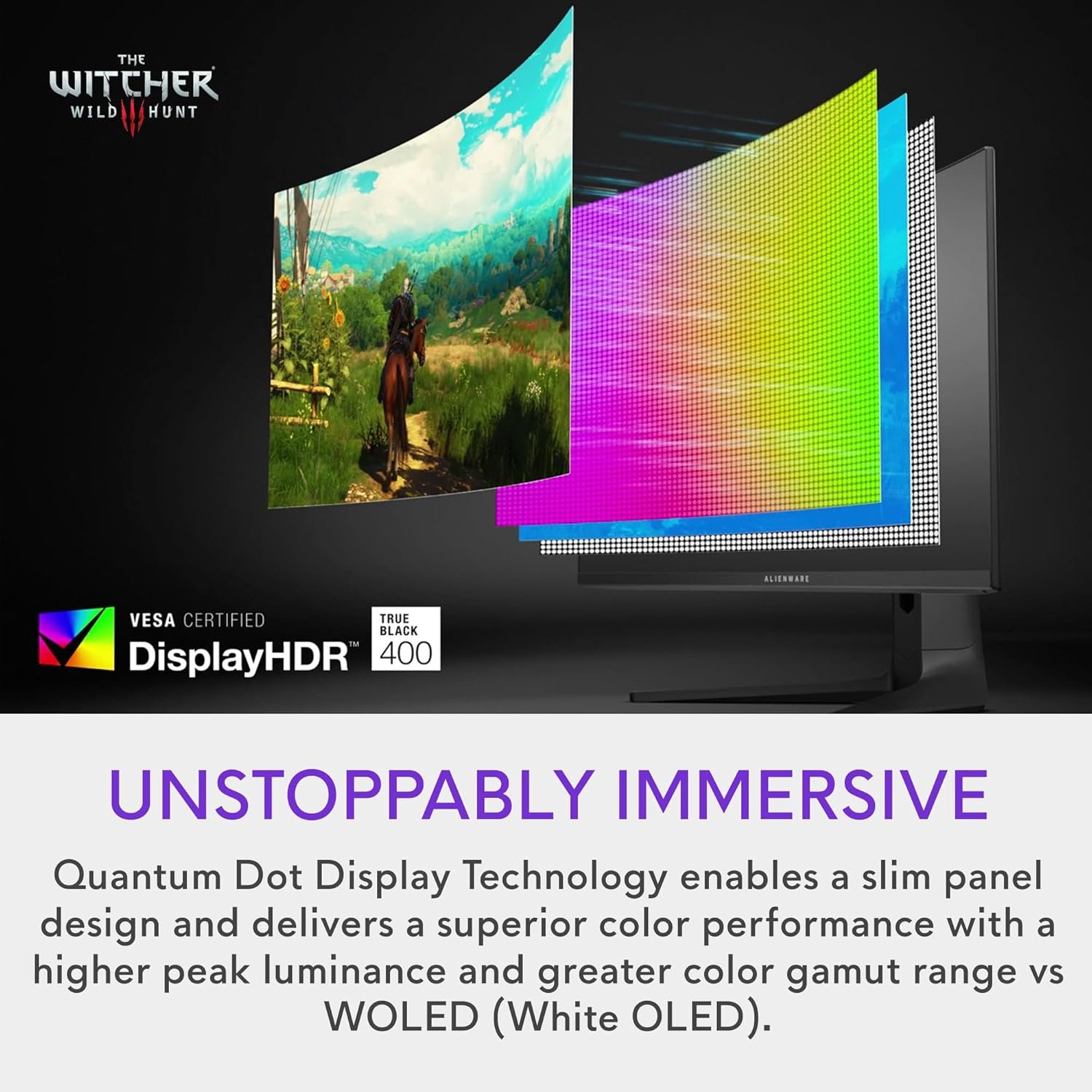
Moving on to performance, I’ve had a fantastic experience gaming on it. The 165Hz refresh rate combined with that 0.1ms response time is a game-changer for fast-paced shooters. I tested a variety of games, and the graphics looked stunning—hues pop, blacks are deep thanks to the OLED technology, and the overall clarity is something else. Watching movies is equally impressive; the 21:9 aspect ratio gives a nice cinematic feel.
For daily use, be it browsing the web or working with multiple applications, the monitor shines. Multitasking is made easy with the ample screen real estate, and the colors remain vivid regardless of the angle. Plus, considering the 99.3% DCI-P3 color gamut, editing photos or videos has become a breeze.
Now, who would I recommend this monitor for? If you’re an avid gamer, a professional content creator, or simply someone who enjoys a refined viewing experience, this could be an excellent fit. It’s perfect for those who want a balance of work and play without compromising quality.
That said, there are some things to consider. For starters, the price point is on the higher side. If you’re just looking for a basic monitor, this may feel a bit excessive. Additionally, the size may be an adjustment for users with smaller workspaces; the curvature can create an immersive experience, but it also means you need to be mindful of your setup. Lastly, the stand, while sturdy, takes up a fair bit of desk space.
In terms of pros, the display quality is outstanding, the design is elegant, and the versatility is impressive whether you’re gaming or working. However, the price is a bit high, and the size may not be suitable for everyone.
All in all, I couldn’t be happier with the Alienware AW3423DWF. It’s elevated both my gaming lifestyle and daily work tasks significantly. If you have the budget and are looking for a top-notch curved display, I say go for it. You won’t be disappointed.












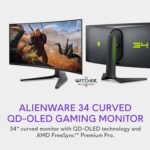

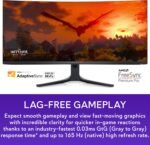
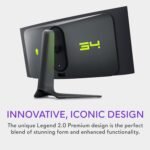



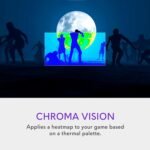




 Overview
ATB –
God-like monitor
Alienware has been pushing boundaries in gaming hardware for years, but the AW2725DF 27″ OLED gaming monitor takes things to a new level. With a jaw-dropping 360Hz refresh rate, ultra-low response times, and an OLED panel delivering unmatched contrast and color, this monitor is a dream for competitive and immersive gamers alike.After several weeks of testing across FPS, racing, and cinematic titles, I can confidently say this is one of the most impressive gaming displays currently on the market.Stunning OLED Picture QualityAt the heart of this monitor is a 2560×1440 (QHD) OLED panel, which instantly sets it apart from most other 360Hz monitors still using IPS or TN technology. The OLED screen produces true blacks, infinite contrast ratios, and incredibly vibrant colors. Whether you’re exploring shadowy ruins in Elden Ring or battling under neon lights in Cyberpunk 2077, the visual depth is breathtaking.HDR performance is equally impressive. With DisplayHDR True Black 400 certification, highlights pop, shadows stay rich, and there’s no annoying haloing or blooming. OLED’s pixel-level illumination allows for exact detail in both dark and bright scenes, giving you a cinematic experience even during intense gameplay.360Hz Refresh Rate – Smooth as SilkWhere this Alienware OLED really shines is in its 360Hz refresh rate, delivering ultra-smooth motion with practically no input lag. Paired with a 0.03ms response time, this monitor is a top-tier weapon for esports enthusiasts and competitive players. In titles like Valorant, Overwatch 2, and CS2, every flick and movement feels instantaneous and fluid.The QHD resolution hits a sweet spot between performance and sharpness. It’s easier to drive than 4K, yet sharper than 1080p — perfect for serious players who don’t want to compromise clarity for speed.With NVIDIA G-SYNC Compatible and AMD FreeSync Premium Pro certification, screen tearing is a non-issue. The adaptive sync support works seamlessly across GPUs and ensures consistent frame pacing at all times.Design & BuildAlienware continues its trend of clean, futuristic aesthetics. The AW2725DF sports a matte black and white chassis with customizable RGB lighting on the back. The stand is fully adjustable (height, swivel, tilt, pivot) and extremely stable. Cable management is clean and intuitive, and the slim bezels keep the focus on your game.Ports include DisplayPort 1.4, HDMI 2.1, USB 3.2 hub, and a headphone jack — all conveniently placed.Burn-in Concerns?One of the few drawbacks with OLEDs is potential burn-in, especially for static UI elements. Alienware includes pixel-shifting and screen care features to minimize risk. For most gamers, especially those who don’t leave static images onscreen for hours, burn-in should be a rare issue — not a dealbreaker.Final VerdictThe Alienware 27″ OLED 360Hz Gaming Monitor is a stunning blend of speed, responsiveness, and cinematic visuals. It’s expensive, but it’s in a class of its own. If you’re a competitive gamer who refuses to compromise on image quality, this is the ultimate display.Rating: 5/5 – Elite performance meets breathtaking visuals. A monitor built for serious play.
Andy –
Jack of All Trades (AW2725DF)
So I got this monitor as an upgrade from a 1080p 360Hz IPS Alienware, snagging it for $650 on sale. It’s truly a “jack of all trades” that excels in both competitive and casual gaming. You get OLED’s phenomenal image quality with deep blacks and vibrant colors that make games like Red Dead Redemption 2 look great. At the same time, it offers near-instant response times and super-clear motion clarity, which is great for competitive FPS. The 1440p resolution and high refresh rate make spotting enemies easier, and aiming feels natural.With new 480Hz OLED variants hitting the market, you might wonder about the refresh rate. I haven’t tested anything above 360Hz, but I’d imagine there’s a subtle yet tangible difference. However, if you can find this monitor at a good price, the balance of features still makes it a solid pick, especially since newer tech often comes at a premium.The build quality is nice, with some RGB on the back that can be customized (or turned off). While I didn’t use the stand, it appeared to be of decent quality. The monitor itself is sleek and doesn’t scream “gamer,” which I like. It blends well into an office setting, though you can tell it’s a premium product even from a distance. There’s a slight purple-ish tint to the coating, and if there’s light in the background, it doesn’t reflect the best, which can impact image quality and blacks slightly. Be mindful of light sources if you get this monitor. It’s also a bit of a fingerprint magnet, but it comes with a cloth that works well for cleaning. On the plus side, there’s a 3-year burn-in warranty. I can’t speak on Alienware/Dell’s customer service as I haven’t had to deal with them, but the peace of mind is nice.The monitor does have quirks, mostly related to the OLED panel. You’ll need to run a 5-minute pixel refresh every few hours to prevent burn-in. This isn’t particularly invasive but can cause some anxiety during long gaming sessions. Brightness has been perfectly fine for my dim room setup at 95%, but if you play in a brighter room, you might want to reconsider. As someone who was initially worried about brightness, I’ve found it to be fine. The HDR implementation is good, offering both HDR 1000 and HDR “True Black” (400) modes. You can switch between these directly from the OSD, with HDR 1000 working best in darker games and True Black being better for desktop use and brighter titles.There are some minor text clarity issues due to the QD-OLED subpixel layout, though adjusting ClearType and OSD sharpness helps. You can’t use DLDSR/DSR above 240Hz due to DSC requirements, but these are minor inconveniences rather than deal-breakers. For settings, I’d recommend the “Creator” mode preset and enabling 10-bit color. The monitor also includes features like customizable crosshairs and a dark stabilizer. However, the dark stabilizer is less effective on this OLED panel compared to traditional LCDs due to OLED’s true blacks.Overall, if you can catch this monitor at a decent price and don’t mind some OLED-specific quirks, it’s worth the premium for anyone wanting a single monitor that can do it all. You don’t really sacrifice much with this monitor. Just do your research on OLED technology and its characteristics before pulling the trigger. While the improved image quality and color make the quirks worth dealing with, it’s important to know what you’re getting into.
Jon –
Incredible gaming monitor
Absolutely phenomenal monitor. Coming from an IPS 1440p monitor, it’s a huge step up. The OLED and ultrawide combination is jaw dropping. Everyone that’s seen it is amazed by it. The jump between a regular 1440p and an ultrawide will definitely slightly reduce performance while gaming, but even with a 3060ti I’m managing good frames on almost anything I throw at it. The slight curve really helps immerse you in games too. I had tested a 42” 4K LG OLED TV, but it was just too big, and it really took my PC down to its knees. At its current price of $700, I believe it’s worth every penny. It’s a big graphical upgrade. Games just look so much better with deep shadows and the colors really pop. The one thing I noticed and was aware of before buying is text out of the box looks a little funky. It took a bit of tweaking both within the monitors settings and some 3rd party tools to get it how I liked it. If you were using this primarily as a work/productivity monitor you might be better off without OLED.
Alelouia –
Commandé sur Amazon le 12 mai 2025Depuis une quinzaine de jours l’écran toute les 1/2 heure affiche “Un comportement thermique anormale a été détecté” contacté Dell…Recherche internet, mise à jour du Firmware. Inefficace.Contact avec le vendeur, qui rapidement me fait parvenir un bon de retour payé.Envoyé en réparation le 4 novembre 2025.700 euros, défectueux après même pas 6 mois…L’écran a été réceptionné le 10 novembre.A suivre…Un écran neuf dans mon carton d’origine m’a été retourné le 2 décembre par surprise !Le vendeur a été réactif et répondu rapidement à mes messages et attentes. Le SAV honnête, même si un peu de communication aurait été bienvenue.L’expérience de cet écran reste décevante.
AmazonEliteReviewers –
The Alienware AW3423DWF Curved Monitor is, without a doubt, one of the best gaming monitors I’ve ever owned. From the moment I set it up, I could tell this was going to be a game-changer. It boasts a 34-inch QD-OLED display that brings a level of depth and color accuracy that’s nothing short of spectacular. Whether I’m playing fast-paced action games or exploring visually rich open-world environments, this monitor delivers an immersive experience like no other.Design and Build QualityThe design is sleek and modern, in line with Alienware’s signature style. The monitor’s ultra-thin bezels make it a perfect fit for a multi-monitor setup, though the display itself is so wide that I don’t feel the need for a second screen. The 1800R curvature provides an excellent balance between immersion and comfort, drawing me into the action without overwhelming my field of vision. It’s easy to adjust the height, tilt, and swivel, so I was able to find the perfect viewing angle quickly. The build quality feels solid and premium, as expected from Alienware.Display and PerformanceNow onto the heart of the matter—the display. The 3440x1440p QD-OLED panel offers exceptional clarity, making even the smallest details in games or movies stand out. Colors are vivid and vibrant, and the blacks are truly deep, which is where this monitor really shines compared to traditional LED displays. The HDR performance is stunning, creating a dynamic contrast that enhances every scene.What really impressed me was the 165Hz refresh rate combined with Adaptive Sync. The gaming experience is buttery smooth with no screen tearing or ghosting, even in high-motion games like Call of Duty and Cyberpunk 2077. The 0.1ms response time makes a noticeable difference in fast-paced shooters, providing a competitive edge. Additionally, the 1000-nit peak brightness for HDR content makes it perfect for both dark and brightly lit rooms, making every in-game moment look as realistic as possible.Connectivity and FeaturesThe Alienware Command Center makes it easy to tweak settings to your liking. I was able to fine-tune the color accuracy and customize the lighting settings with ease. It also comes with multiple connectivity options, including two HDMI ports, DisplayPort, and a USB hub, ensuring I can plug in all my peripherals without a hitch.One of my favorite features is the AlienFX lighting—it’s customizable and adds a nice touch to my gaming setup. While it’s not necessary for performance, it certainly enhances the overall aesthetics, especially during late-night gaming sessions. The on-screen display (OSD) is intuitive and offers plenty of customization, whether I’m adjusting brightness, contrast, or enabling game-specific presets.Final ThoughtsIn summary, the Alienware AW3423DWF is an absolute powerhouse for gaming and productivity alike. The combination of the ultra-wide curved display, QD-OLED technology, and high refresh rate creates a gaming experience that is both visually stunning and incredibly responsive. Alienware has truly delivered with this monitor, and I can confidently say it’s well worth the investment for serious gamers or anyone who wants the best in visual performance.If you’re looking for a monitor that can handle anything you throw at it—whether it’s competitive gaming, content creation, or just enjoying cinematic visuals—this is the one to get. Absolutely incredible and worth every penny!
Scott Bartholomew –
After 3 months, I was playing a game, and the screen went black. Never came back on. The power light was on, but it was just black, and the menu button did nothing. Went through some steps that failed. Dell wanted videos, invoices, etc. Supplied them 3 days ago and radio silence……. I have 15-year-old screens that still work. This is the worst screen I have ever had, but also the most expensive at nearly £600: appalling screen and appalling customer service. Never buying Dell.Still waiting 2 weeks later for Dell “Get approval” from their product team to send me a new screen………….If only there were a 0-star option.
JW Wee –
Product has a poor screen coating that is prone to damage and scatches. Monitor image quailty is good with high refresh rate.
Vincent P. –
Einer der wenigen Spitzenartikel aus dem Hause Dell!Ich habe mir den Bildschirm hauptsächlich für Gaming geholt und habe es keine Sekunde bereut. Satte Farben, richtiges Schwarz und die verschiedenen Beleuchtungszonen machen den Bildschirm perfekt für stimmungsgeladene Spiele!Auch Multiplayer wie Battlefield 6 sehen einfach bombastisch aus!Die Reaktionszeit ist außerordentlich gut.Personalisierungsmöglichkeiten sind mehr als genug vorhanden.Des weiteren nutze ich den Bildschirm für das Arbeiten aus dem Homeoffice. Hier funktioniert ebenfalls alles einwandfrei.Ich kann hier definitiv eine Kaufempfehlung aussprechen.Ps: holt euch einen Halterungsarm um je nach Spiel und Atmosphäre den Bildschirm näher oder weiter weg zu haben.